projectEureka™

AI and simulation workspaces, organized by project

Build, run, and access AI and simulation work next to your data, in the browser. One environment on AWS, GCP, or on-prem Kubernetes.

Overview

One project-centric place for AI and simulation work

AI notebooks on one stack, simulations on another, data somewhere else. projectEureka™ connects people, data, and compute in one project-centric platform so teams can ship models, sims, and research.

A project puts the team, the apps, and the data in one place. App containers open in the browser. Flow containers run inside a saved flow. A simple install downloads a container once from the public catalog onto the environment.

On projecteureka.ai: how it works, the catalog, enterprise and research paths, and how to get started.

Learn more about projectEureka™ → Get started

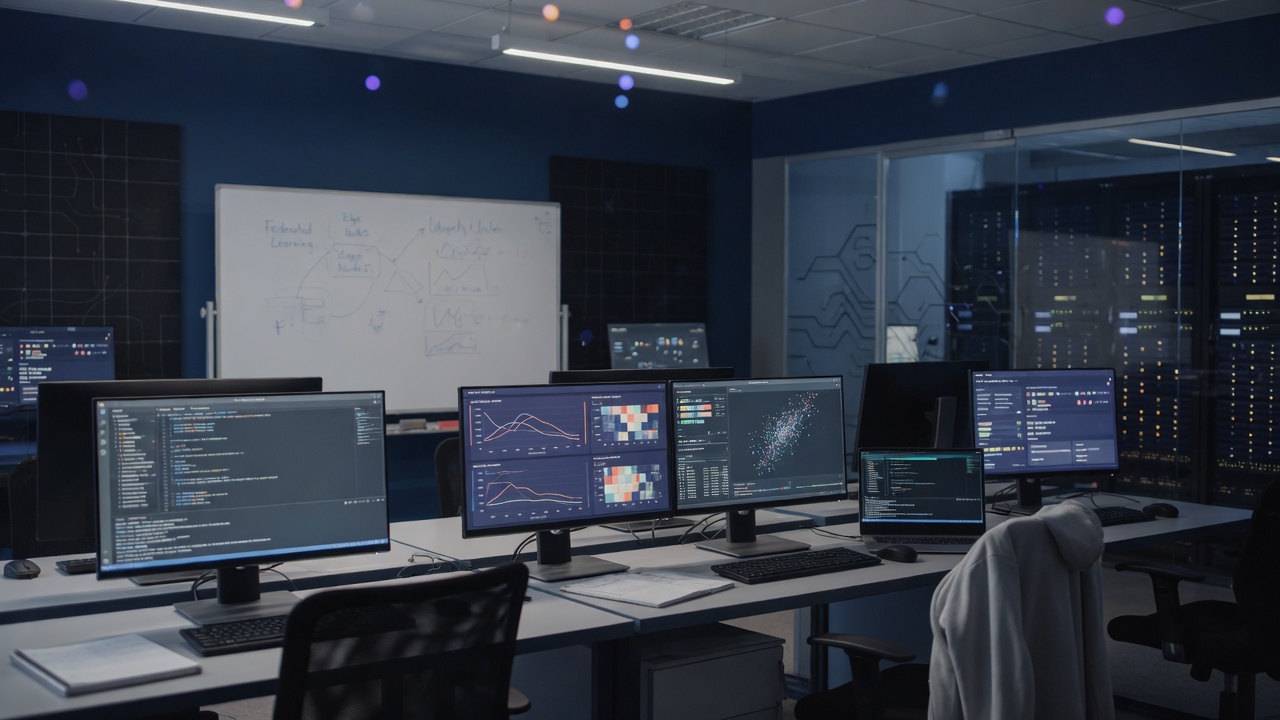
Developer workspace with IDE and analytics dashboards
Virtual workstation and apps alongside your data

Secure, consistent virtual workstations

People still use laptops and desktops as clients. The heavy AI and simulation environment is a secure virtual workstation next to project data, consistent for the team.

  • App containers for Jupyter, VS Code, RStudio, a Linux desktop, and more. A simple install downloads the container once, then the project launches it.
  • Flow containers for OpenFOAM, GROMACS, BLAST, and PyTorch inside a saved flow. Download once, then choose the container on a CPU or GPU step.
  • Work that persists after devices sleep or leave the network
  • GPU-ready virtual desktops when teams need more than a notebook

Deploy the environment where you need it

Run projectEureka™ on AWS, Google Cloud, or on-prem Kubernetes. Attach object storage from AWS and GCP buckets to the same project.

  • Environment placement: AWS, Google Cloud, or on-prem Kubernetes
  • Multi-cloud buckets: bring AWS S3 and GCP GCS into the project workspace
  • Project-level security for storage and collaborators
  • Apps and jobs keep running after the laptop sleeps. You supervise them from the browser, under the project's access.
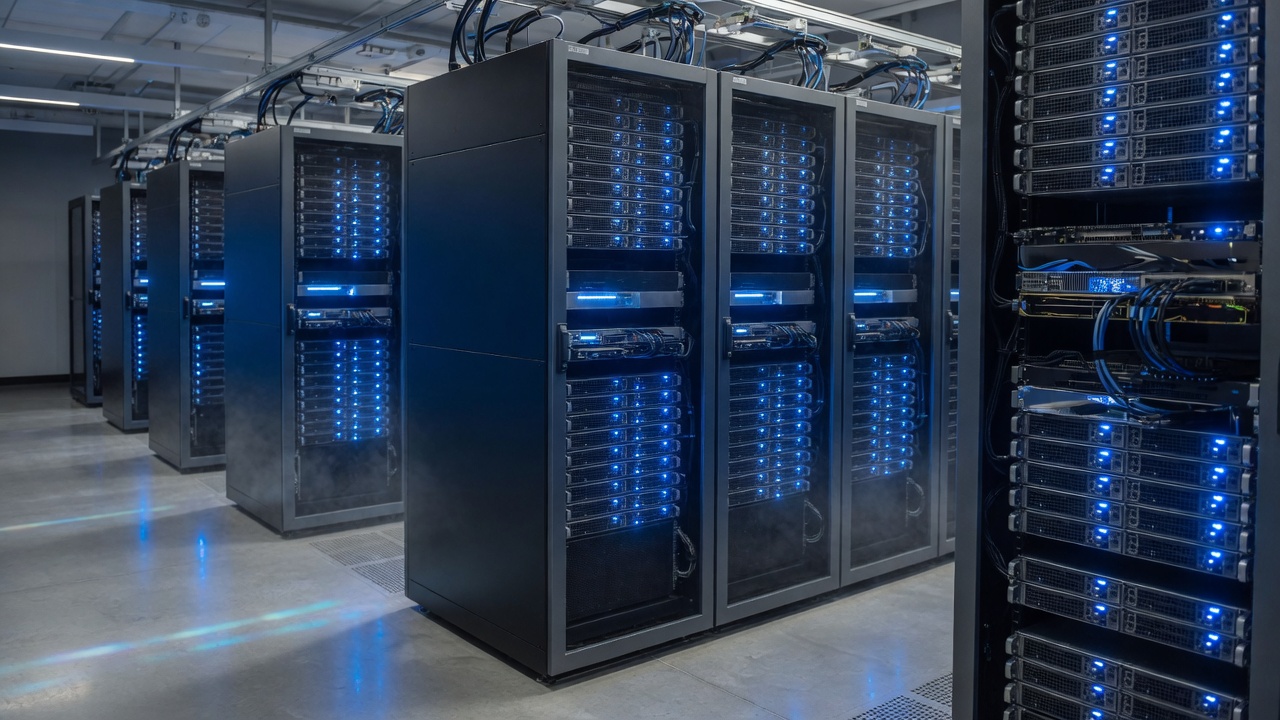
GPU and server racks for hybrid AI compute
Compute
Data staging dashboards and project files on dual monitors
Data
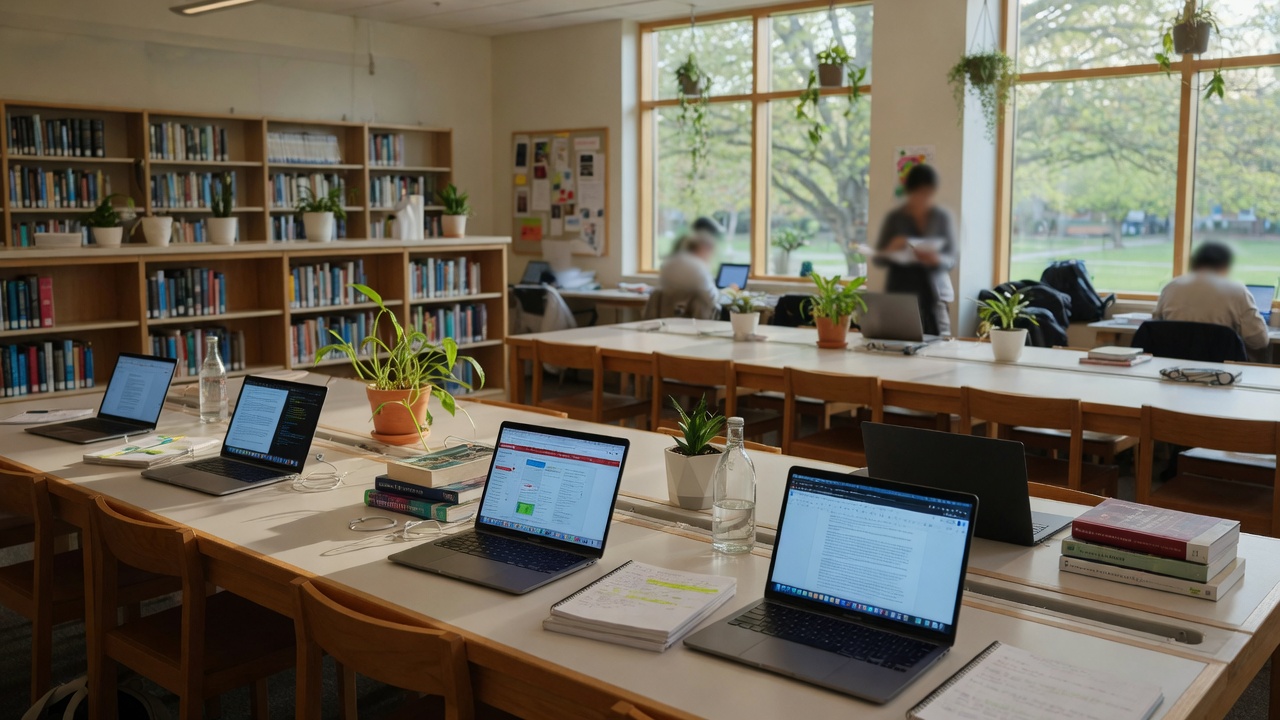
Campus study space with laptops for teaching and research
Shared projects for courses and labs

Shared infrastructure for courses and labs

One platform pattern for how people work: projects, browser access, and data next to the apps. Each project can include the apps it needs. Teaching and research software is free, and currently in beta.

  • Course apps: Jupyter, VS Code, RStudio, and a Linux desktop. Students open them in the browser. No laptop install.
  • Lab flows: download a flow container such as BLAST, GROMACS, OpenFOAM, or PyTorch, import a sample flow, and submit it again
  • Campus, home, or travel: the same project in the browser
  • Infrastructure stays yours: cloud usage, cluster time, and GPUs are not included. Enterprise is a separate licensed path.

Join the beta for research and education, or talk with us about an enterprise deployment on AWS, GCP, or on-prem Kubernetes. The product site covers how it works, the catalog, saved flows, and next steps.

Learn more about projectEureka™ → ← Find a solution